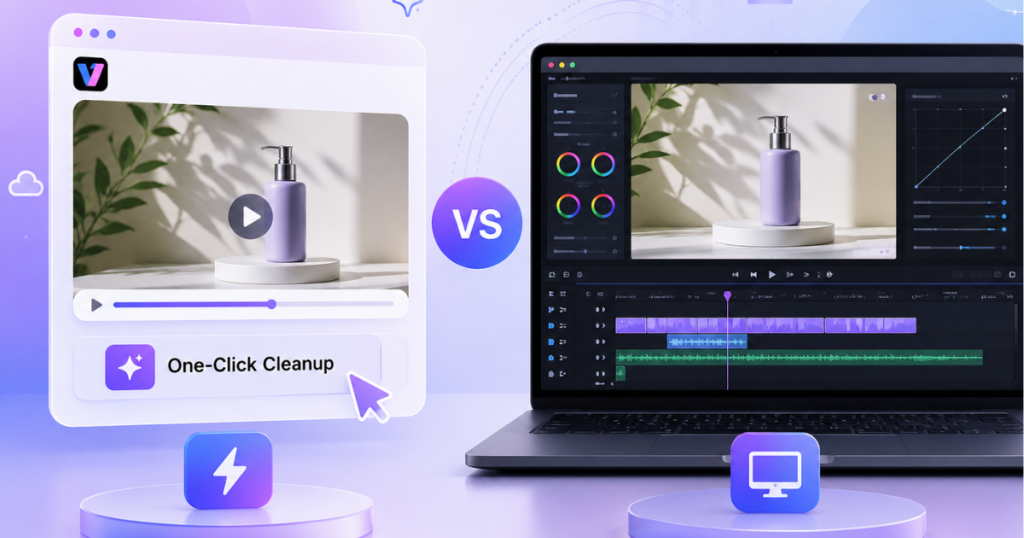
Video editing has changed a lot.
Just a few years ago, fixing a video meant downloading a desktop editor, watching tutorials to understand the controls, and spending hours moving sliders until it looked right. It still works that way — especially for pro editors who need full control.
But it’s no longer the only option.
Not every video needs a full production workflow. Sometimes the problem is simple. A video has an unwanted watermark. The lighting is poor. The footage looks soft. The audio needs a quick fix before posting.
In those situations, a one-click cleanup tool can be much faster. The question is not which option is better overall. It depends on what needs to be done.
What one-click video cleanup tools are good at
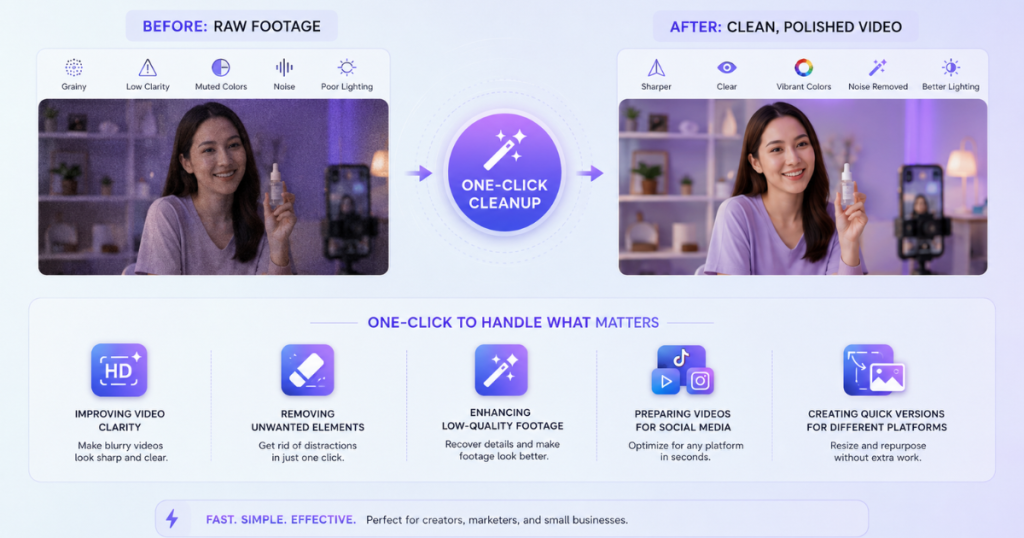
One-click tools are made to save you time.
You don’t need to know every editing control to fix common problems. If you’re a creator, marketer, or small business owner, you just upload your file, choose what you need, and get a better version back — no hours lost in complicated software.
They’re perfect for:
- Making video clearer
- Removing unwanted stuff
- Improving old or low-quality clips
- Getting videos ready for social
- Quickly resizing for different platforms
For most everyday videos, that’s more than enough. If a product demo is just a little soft or an old clip looks dated, you don’t need a full editing session to fix it.
Where professional desktop tools still win
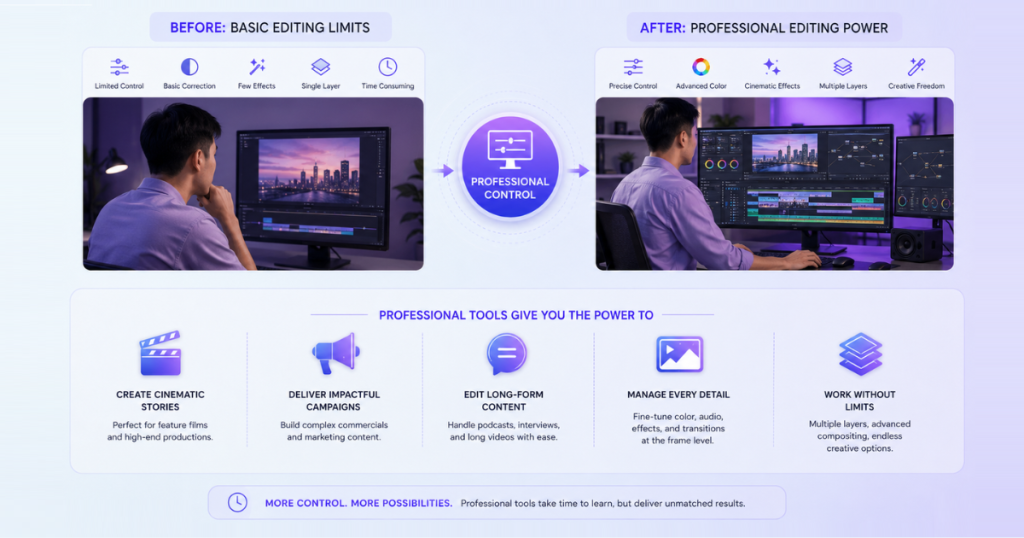
Desktop editing software gives editors much more control.
Professional tools are designed for projects where every detail matters. Editors can adjust individual frames, control color grading, manage multiple layers, and fine-tune effects.
They are usually the better option for:
- Feature films
- Commercial productions
- Complex marketing campaigns
- Long-form videos
- Projects requiring detailed editing decisions
The trade-off is “time”. Professional software offers powerful capabilities, but mastering it requires significant time and practice. Even straightforward fixes can become time-consuming when a project demands many precise manual adjustments.
Comparing two approaches
The following table provides a side-by-side comparison of one-click AI tools and professional desktop editors across common editing scenarios.
| Need | One-click cleanup tools | Desktop editing tools |
| Quick fixes | Excellent choice | Usually slower |
| Simple enhancement | Works well | More control than needed |
| Social media content | Convenient | Useful for advanced edits |
| Professional productions | Limited | Better option |
| Learning curve | Easier to start | Requires more experience |
When you’re publishing content every day, saving time matters just as much as getting good results. That’s where one-click browser-based cleanup has gotten really good.
AI tools like Vmake Labs are built for exactly this kind of work. They focus on making common video improvements easier without requiring users to learn complex editing software first.
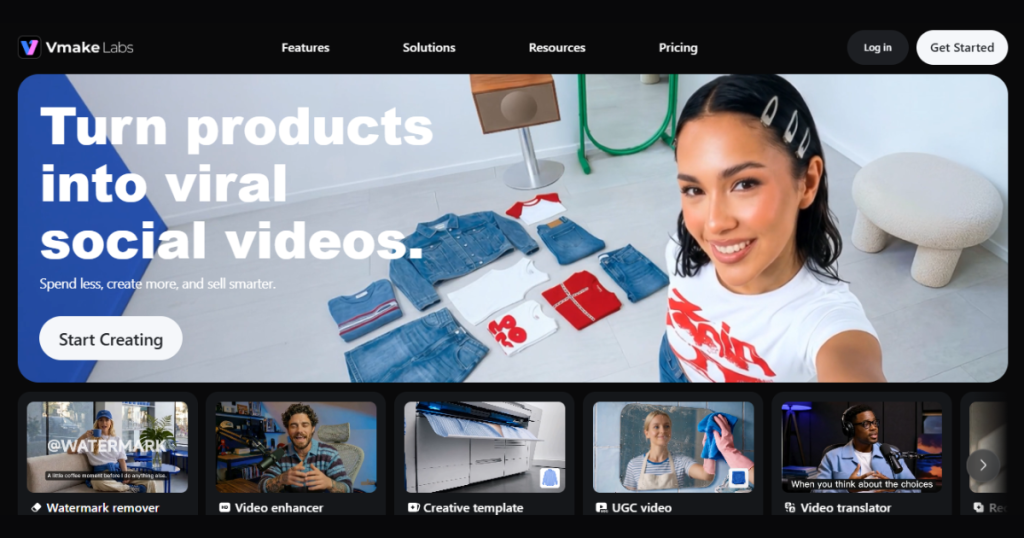
A business owner preparing product videos does not always need advanced color controls or a dozen editing layers. Sometimes the job is simply making footage clearer before it goes live.
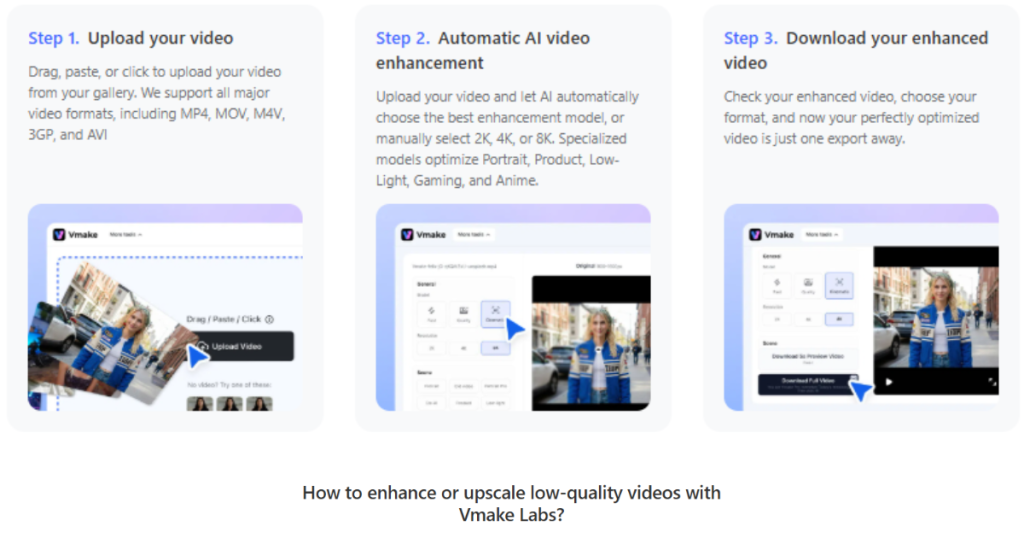
Vmake Labs workflow is straightforward:
- Upload the video file.
- Pick the right enhancement option.
- Preview the result and export the improved version.
Vmake Labs supports different ways to bring in footage. Users can upload files directly, paste links from supported platforms, or process multiple videos together through batch upload.
That last option can save time when there are several clips waiting to be cleaned. Instead of opening each file separately and repeating the same edits, multiple videos can be handled in one workflow.
Where Vmake AI cleanup saves the most time
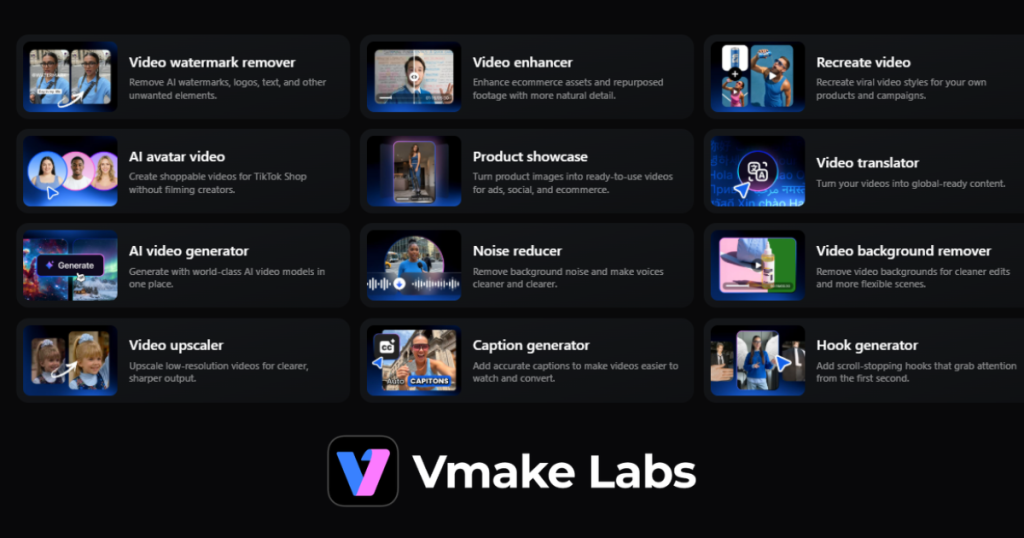
The biggest advantage of AI-powered cleanup tools like Vmake Labs is that they reduce the amount of repetitive editing work required before publishing.
A content team does not always need a full editing process for every video. In many cases, the footage only needs a few improvements to look cleaner and more suitable for customers or social media audiences.
Common tasks where Vmake Labs can help include:
- Improving blurry product clips
- Cleaning up dark footage
- Enhancing older videos
- Removing distracting elements
- Preparing short-form content for social platforms
For these smaller fixes, manually adjusting multiple settings in traditional editing software can take more time than the actual improvement requires. Vmake Labs helps speed up these routine steps while keeping the workflow simple.
Removing unwanted marks from existing videos
Old videos often come with problems that have nothing to do with quality. A clip may contain a watermark from a previous upload, a logo that is no longer relevant, or text added during an earlier campaign.
Instead of rebuilding the video from scratch, Vmake Labs video watermark remover can help clean up these distractions before the footage is reused.
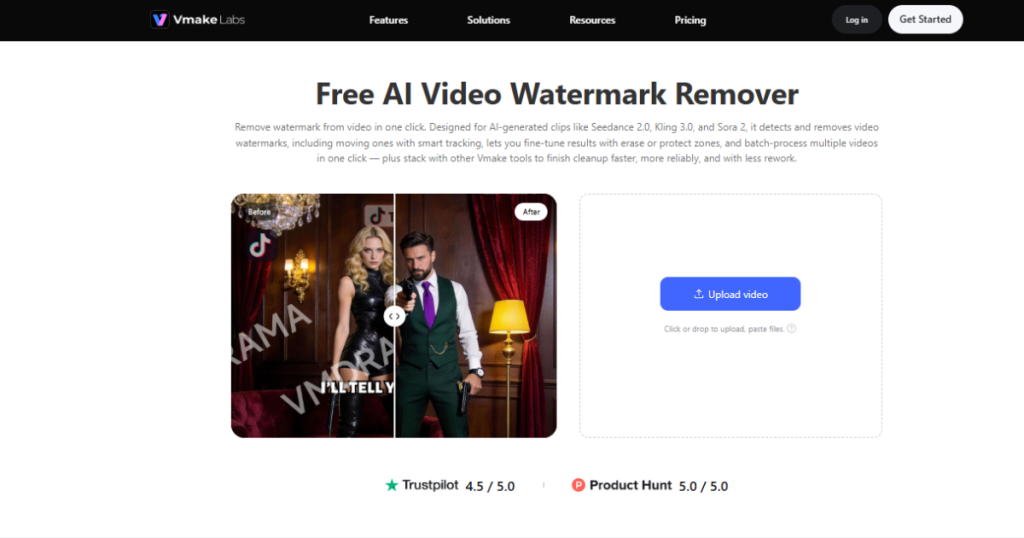
The cleanup process begins with a simple upload. Once the unwanted watermark or overlay is identified, Vmake Labs analyzes nearby pixels and frames to remove the distraction while keeping the rest of the video unchanged. This can be useful for:
- Updating old marketing videos
- Reusing archived content
- Preparing product clips for new campaigns
- Cleaning footage before adding new branding
Small changes like these can make older content feel more suitable for current platforms.
When a professional editor is still the right choice
AI cleanup tools are useful, but they are not a replacement for every editing workflow.
You still need a professional editor when the project calls for bigger creative decisions. A large ad campaign, for example, might need detailed color grading, custom animations, sound design, and precise timing.
For that kind of work, the extra control you get from desktop software is worth it.
A faster workflow for modern content teams
Many teams now use both approaches together.
AI tools handle repetitive cleanup tasks first. Desktop editors handle the final creative touches afterward.
A simple workflow may look like this:
- Enhance raw footage with an AI tool.
- Remove unwanted elements or improve quality.
- Move the cleaned file into a desktop editor if advanced changes are needed.
This approach keeps editors focused on creative work instead of spending time fixing basic issues.
Final thoughts
One-click tools and professional editors aren’t really competing — they’re made for different situations. Need full control? Go with desktop software, but be ready to invest time to learn it. Need to clean up and publish fast? AI tools like Vmake Labs are the better fit, especially if you create content often.
In the end, the difference comes down to the type of work. Not every video problem needs a complicated fix. Sometimes a cleaner file, delivered quickly, is all that’s needed — and a simpler workflow can handle it.
Inside Telecom provides you with an extensive list of content covering all aspects of the Tech industry. Keep an eye on our Press Releases section to stay informed and updated with our daily articles.
